
Keeping your Kingmaker account private on shared devices
Before anything else, ask whether this device is really yours. If it is not, open a private or incognito window first, so the browser does not keep your history, cookies or form entries once it closes. Then follow these steps:
- Type the casino address into the browser bar yourself instead of tapping a link from a message or an ad, and check that the padlock appears next to it.
- Find the Login button, usually in the top corner of the page, and click it.
- Enter your e-mail address or username, then your password. Glance around first.
- When the browser offers to save the password, choose Never or Not now. On a shared machine, that prompt is the biggest risk.
- If your account offers extra verification, such as a code sent to you, finish it before you play. Check your account settings to see what is available.
Once you are in, the Kingmaker Login session stays open until you end it, so do not just close the tab and walk off.
Sign in here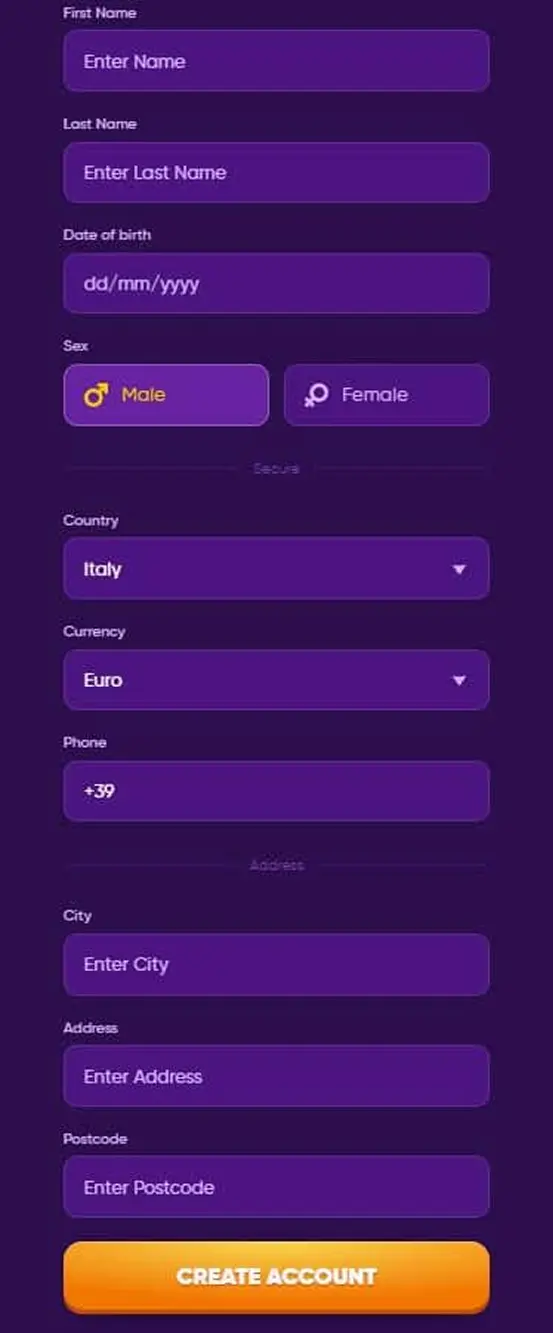
 English